
|
| |||
| Home | Observing | Imaging | Data processing |
| Literature | History | Buy from locals | About |
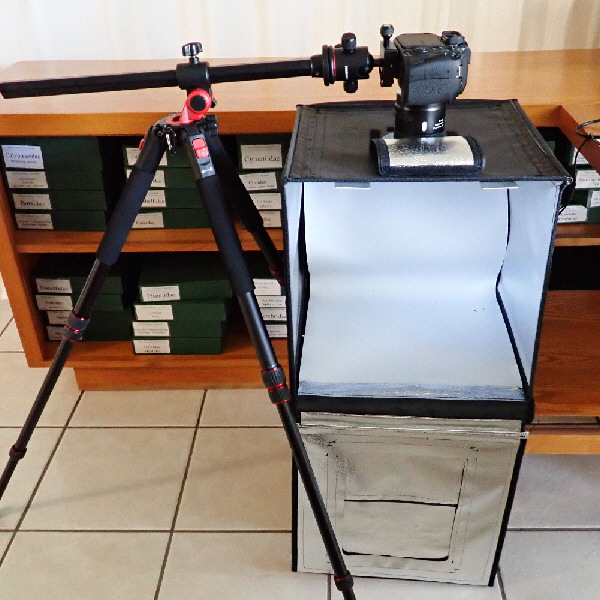
For larger objects I use digital cameras, formerly a Canon G9®, and since summer 2019 a Canon® EOS 80D with a Tamron® SP 90mm F/2.8 Di MACRO 1:1 VC USD objective. Images are taken in a lightbox with additional LED lamps. Depending on the principal colour of the shell (dark or clear) I use different backgrounds. For dark shells I prefer a box filled with salt, for light ones a grey or black background. This contrast is necessary for extracting the image.
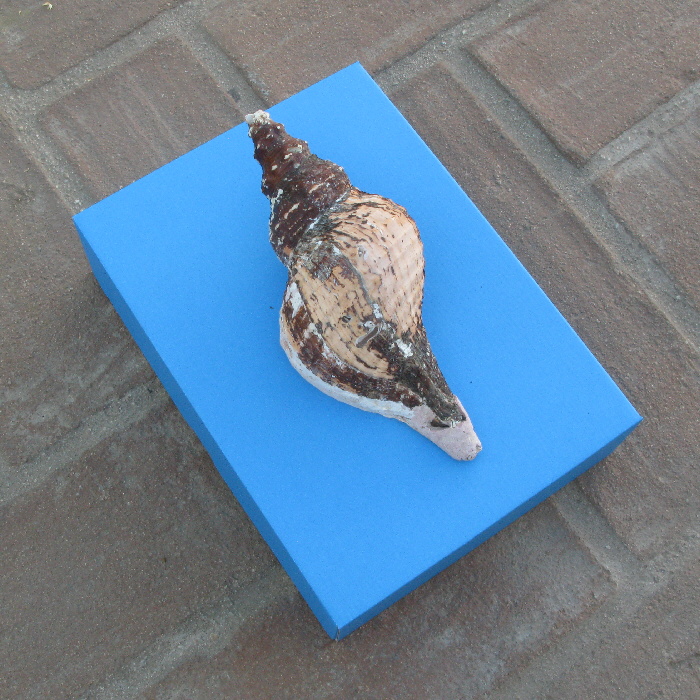
Fotos of shells too large for the lightbox I take during early afternoon in the shadow of my backyard on a blue box.
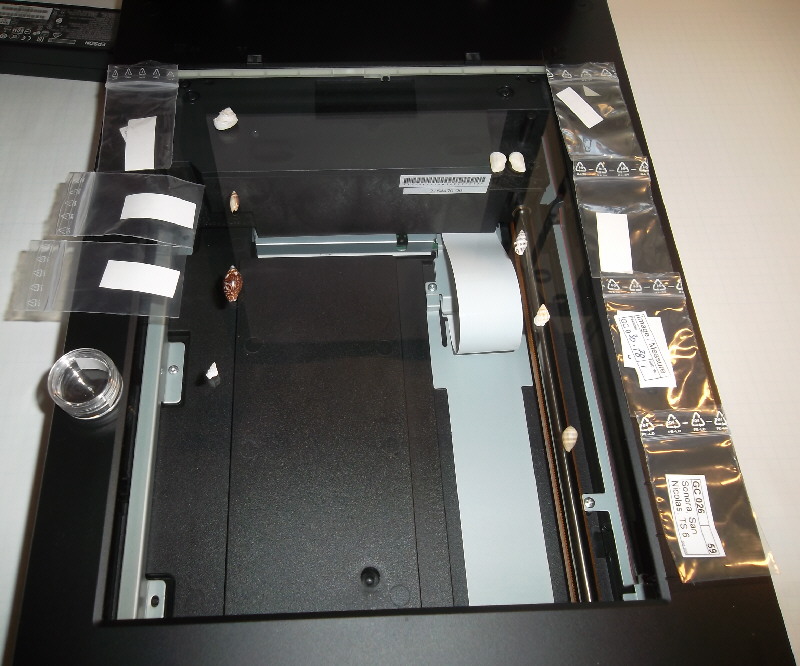
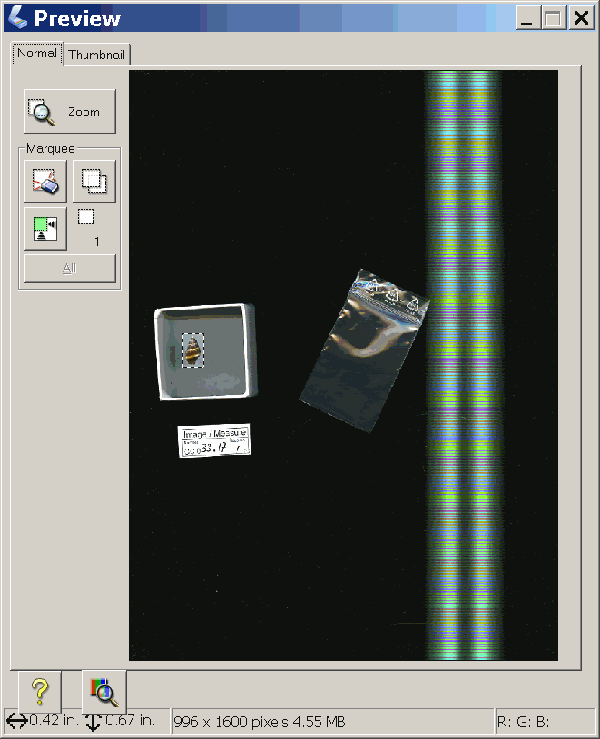
For smaller or flat objects I use a flat bed scanner (Epson Perfection V800®). I scan the shells with an (optical) resolution of 1200 to 4800 dpi, depending on their size.
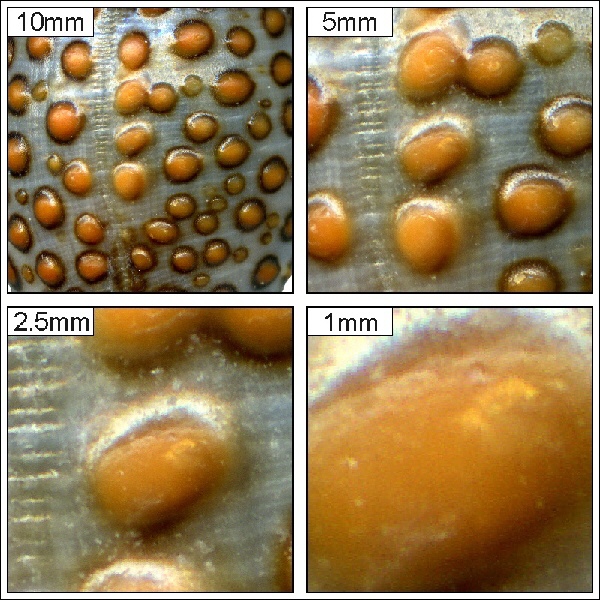
Scanning gives you very sharp and detailed images, but because of the limited depth of sharpness it makes only sense with small or flat objects. It has another disadvantage: the high resolution shows you better defects of the shell.
This image shows the details of a scanned Jenneria pustulata. You can even see that the surface of the scanner was not completely clean. Scale corresponds to the width of the image.
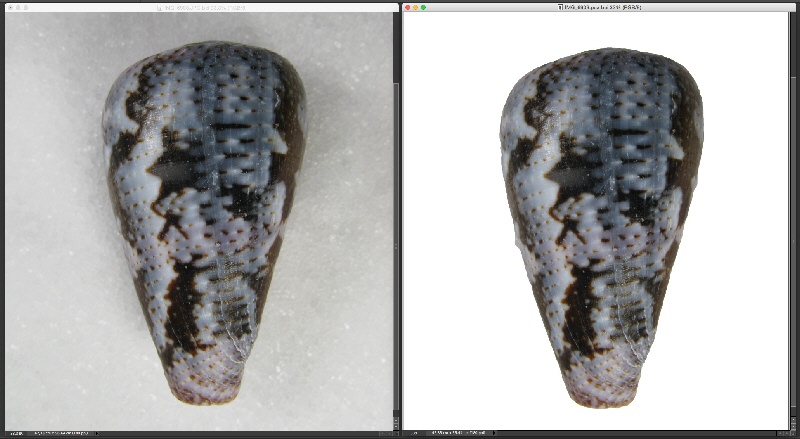
The first step is to extract the objects, e.g. fill all the background with white. In difficult cases – such as the above Conus purpurascens – some manual correction is required. I dislike the black background that is used in most publications. I do this with Adobe PhotoShop®.
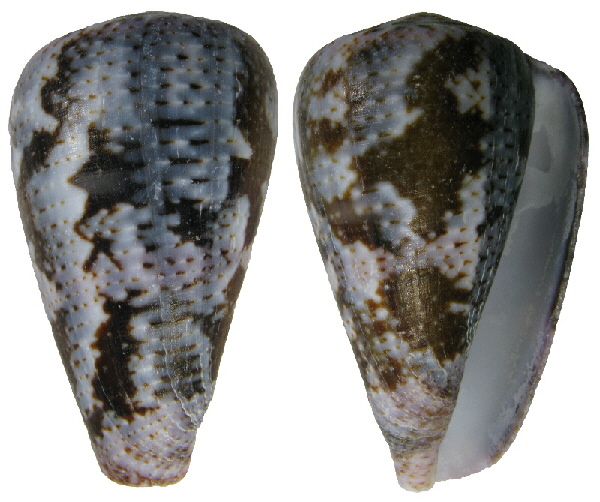
In a second step I combine two images in one image. Sometimes it is necessary to adapt the size of the different views. I do not apply contrast enhancement or colour scale stretching. At the end, the images are saved as uncompressed JPG files. For this part I use a very old program, the Aldus PhotoStyler®. The program produces very small files (disk space was 25 years ago anyhow a limitation).
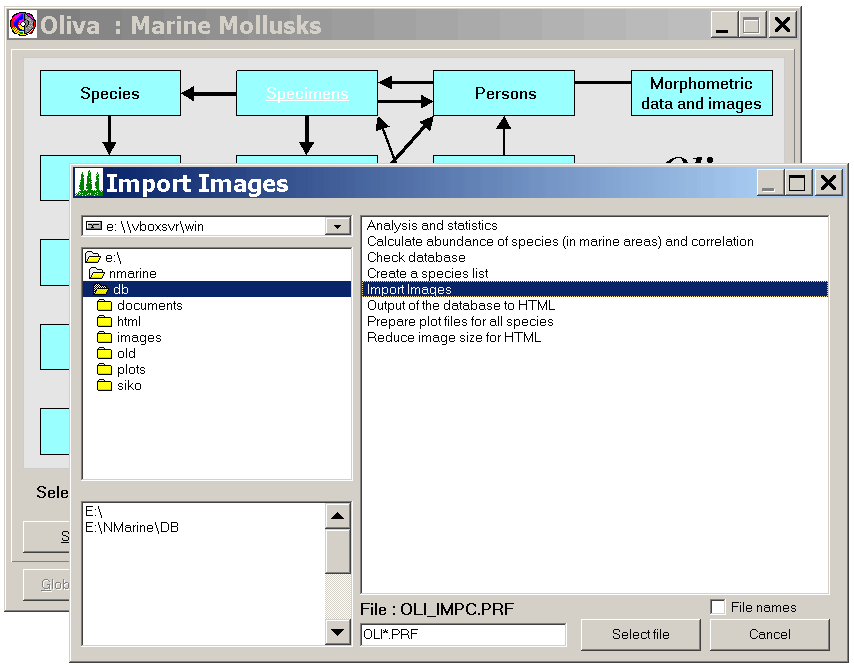
Finally, the images are imported into the database, supported by a program of the application that identifies – based on the name of the file, that must follow a certain pattern – the specimen to which the image belongs.
Imaging
Digital camera
Scanning
Processing
1. Digital camera
Digital camera
Scanning
Processing
2. Scanning
Digital camera
Scanning
Processing
3. Processing
February 2026 • Version 13