Data processing
|
Programme
Application
Structure
Specimens
Species and genera
Sub-numbers
Sites
Search
Programmes
|
1. Programme
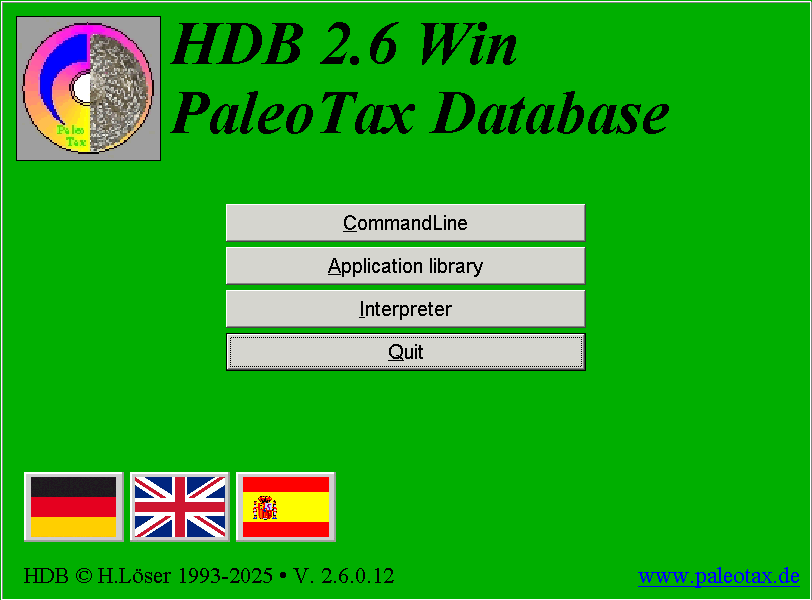
For data processing, the database package Hdb2Win/PaleoTax is used. The command line is for direct database manipulation and the application library opens a predesigned structure and application. The interpreter is used for reports, data analysis and output. The programme itself is free of cost. It can be run in the German, English and Spanish language.
|
Programme
Application
Structure
Specimens
Species and genera
Sub-numbers
Sites
Search
Programmes
|
2. Application
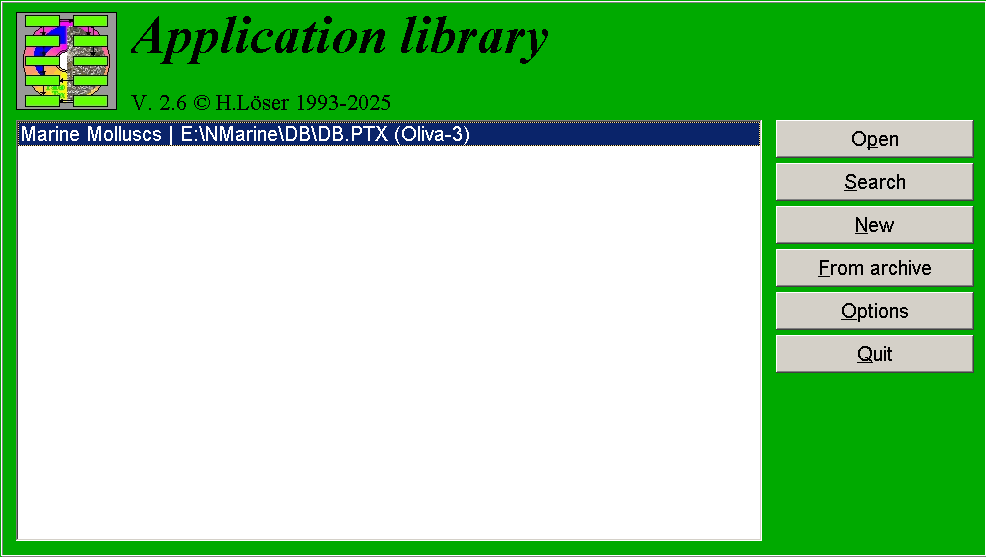 The data structure does not form part of the programme; there exist various applications (available with the programme package). An application consists of a data structure, forms, reports, and programmes to analyse, process, and output data.
|
Programme
Application
Structure
Specimens
Species and genera
Sub-numbers
Sites
Search
Programmes
|
3. Structure
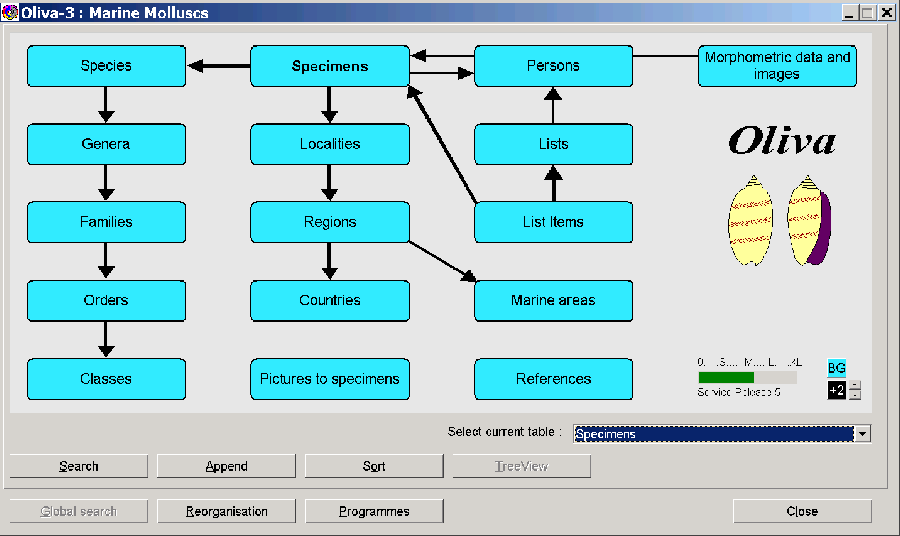
The data structure and application Oliva was designed to record and process extant collection material. It consists of 43 tables that are interconnected with each other. Most used tables are shown as small boxes; clicking on them opens a search and output form. Some forms are shown below. – The application was published in spring 2020 (see https://www.paleotax.de/oliva).
|
Programme
Application
Structure
Specimens
Species and genera
Sub-numbers
Sites
Search
Programmes
|
3.1. Specimens
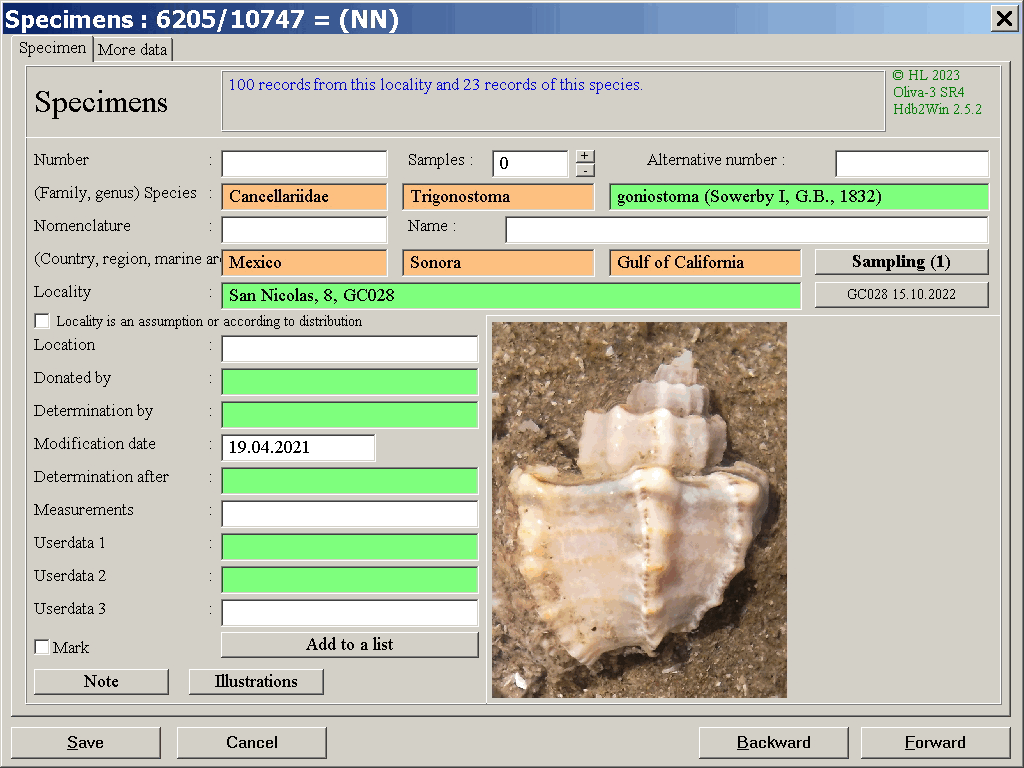
The main form is that of the specimens. Green coloured data fields connect to other tables. Orange fields also connect to other tables but cannot edited (but searched for). An entry of this table may collect various samples (or no sample at all if it is only an observation). Double click in the field "Species" leads to the corresponding record in the species table. The depicted image is the first or a marked image. At the second page is a list of the sub numbers. Sub numbers can be added, edited or removed here.
|
Programme
Application
Structure
Specimens
Species and genera
Sub-numbers
Sites
Search
Programmes
|
3.2. Species
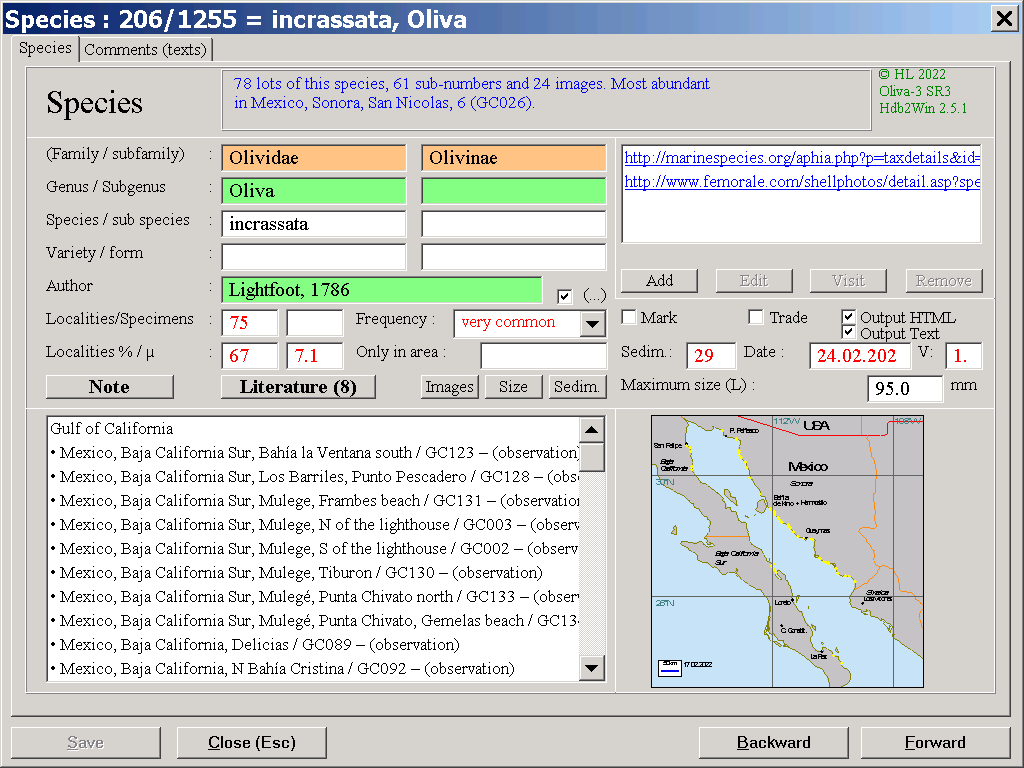
Next important table is that of the species. The box on the left bottom lists all entries of the species. The application helps to generate the little map (GPS data must be recorded in the table of the sites). A click on Images collects all images of this species and shows them in an album (see below).

A click on Size shows measured specimens in a table. The red dot marks the maximum size reported by the literature, the green one the average of measured specimens. The chart is based on data recorded in the table of sub-numbers, and the field Maximum size in the species table.
 A click on Sedim. shows the sediment distribution of the species. The chart is based on the indication of the species at localities for which sediment data are recorded.
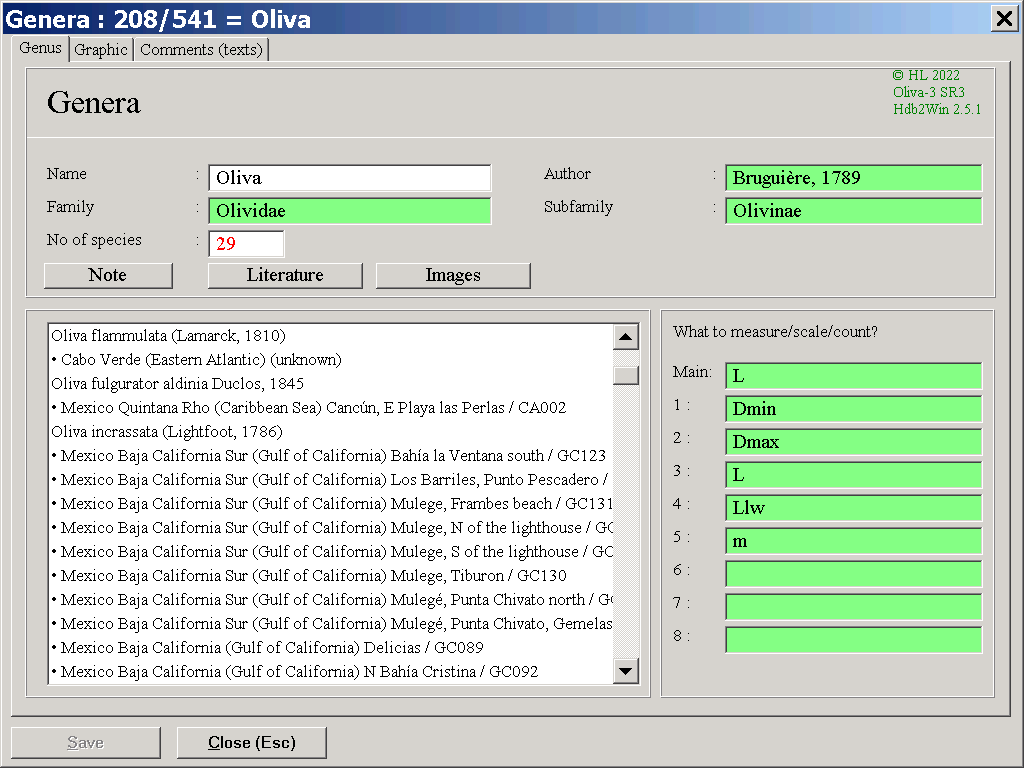
 The table of genera shows a list of all species with their species and respective numbers.
|
Programme
Application
Structure
Specimens
Species and genera
Sub-numbers
Sites
Search
Programmes
|
3.3. Sub-numbers

The table of sub-numbers is to record measurements and images of single specimens that belongs to an entry in the specimen table.
|
Programme
Application
Structure
Specimens
Species and genera
Sub-numbers
Sites
Search
Programmes
|
3.4. Sites
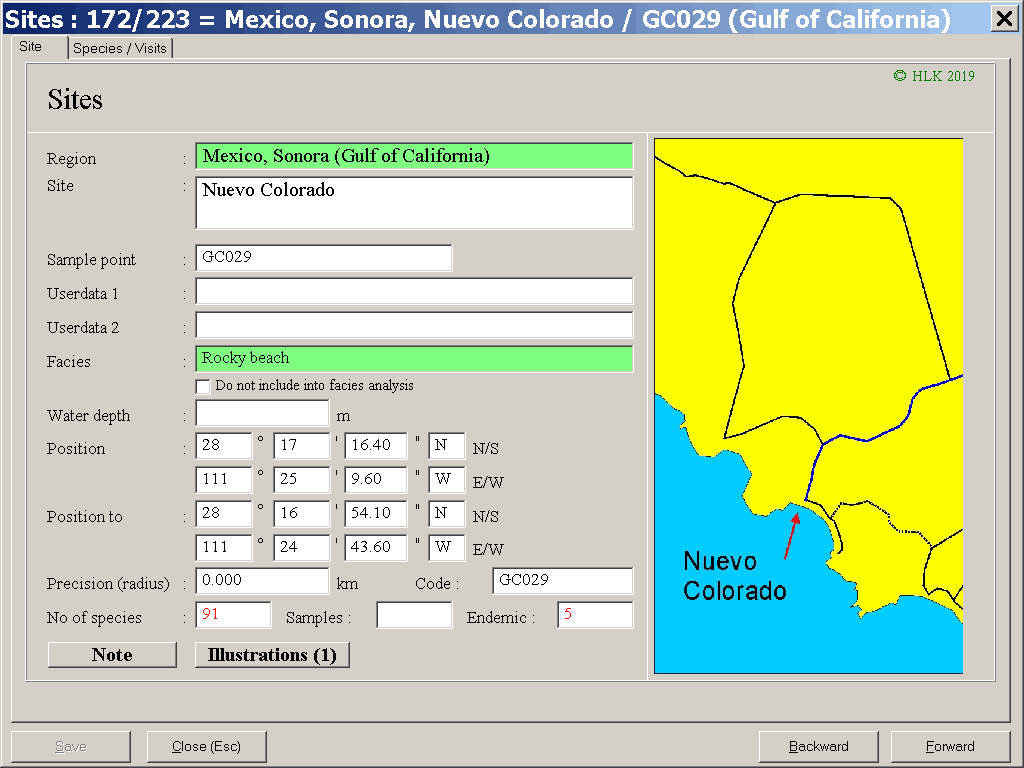
The table of sites is to record the exact location of the finds with their GPS data and facies. The table on the second page lists all species of the site. Numbers in red are the result of data analysis.
|
Programme
Application
Structure
Specimens
Species and genera
Sub-numbers
Sites
Search
Programmes
|
4. Search
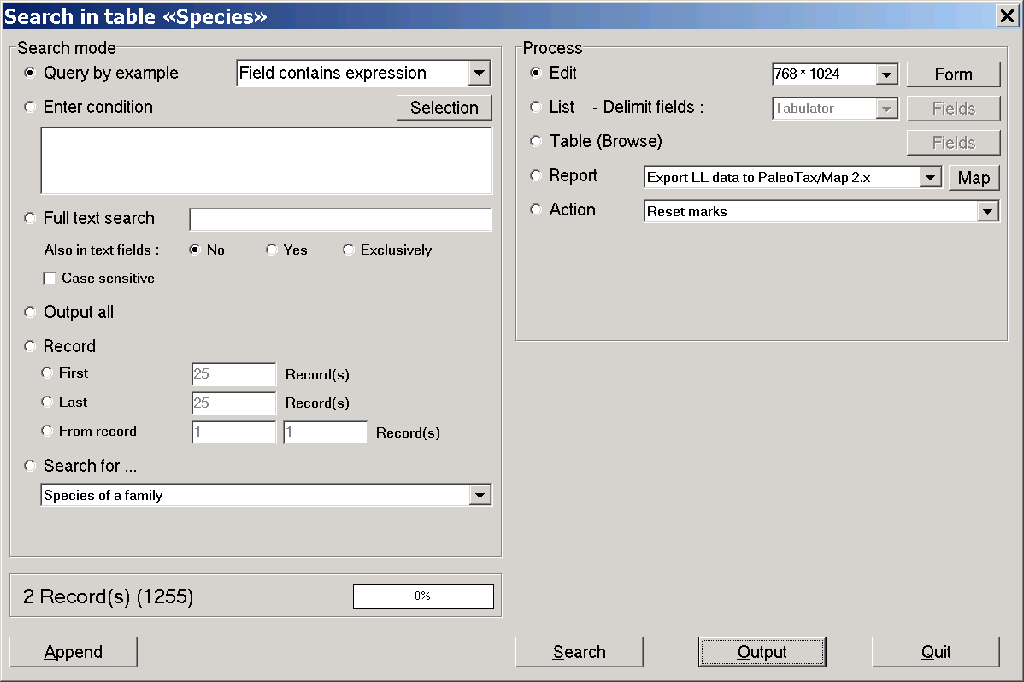
When clicking on a box in the main menu, a search form is opened.
|
Programme
Application
Structure
Specimens
Species and genera
Sub-numbers
Sites
Search
Programmes
|
5. Application programmes
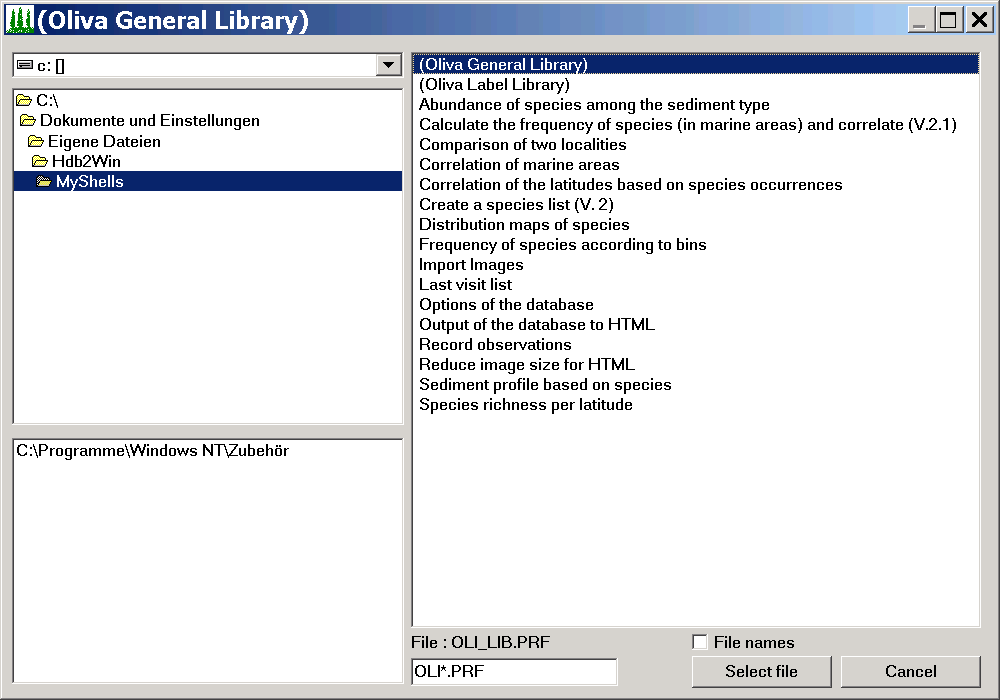
The application Oliva comes along with several programmes for data analysis and output.
These programmes are written with the inbuilt database interpreter (see below).
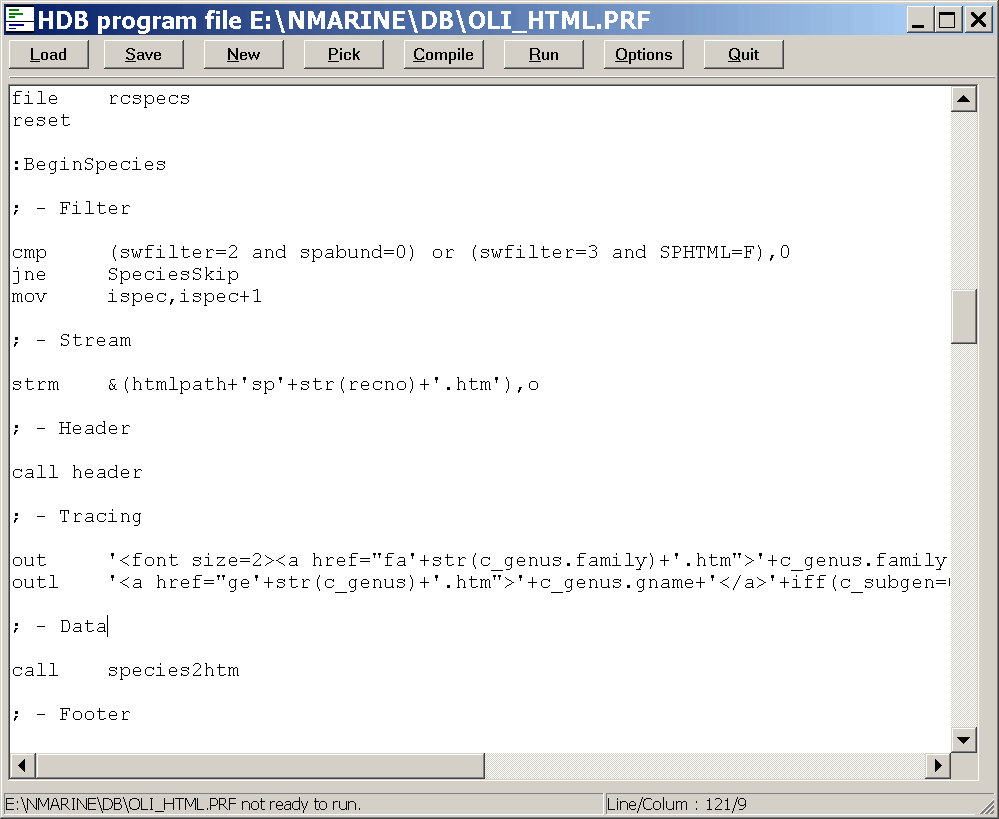
The interpreter prepares also data files for PaleoTax/Graph to visualise – as for instance – the facies or size distribution (as shown above).
|
